Every conversation becomes an argument
You want to listen and hold a boundary, but each exchange gets more tense.
Grove is an AI parenting agent for parents. Share a real situation with Alex for concrete guidance and language, then continue into the relevant course or learning path when you need systematic practice.
Type a question first. Sign in to continue the private conversation and save course progress. Do not include a child's name, school, address, or other identifying details.
Alex · Parenting Guide
Solve the immediate problem first, then find what is worth learning systematically.
Grounded in published platform courses with relevant lesson recommendations
No real names, schools, addresses, or other identifying information needed
We do not rush to label parents or children, or reduce family relationships to a score. Choose the situation that feels most pressing and view its learning path.
You want to listen and hold a boundary, but each exchange gets more tense.
Repeated reminders do not lead to action, and everyone feels worn down.
You worry about giving in, but criticism may escalate emotion and distance.
You need smaller, clearer practices rather than another list of principles.
The AI parenting agent connects immediate guidance, course learning, and family action so parents can solve today's problem and then practice systematically.
Alex helps clarify the situation and offers one immediate action, useful language, and responses to avoid.
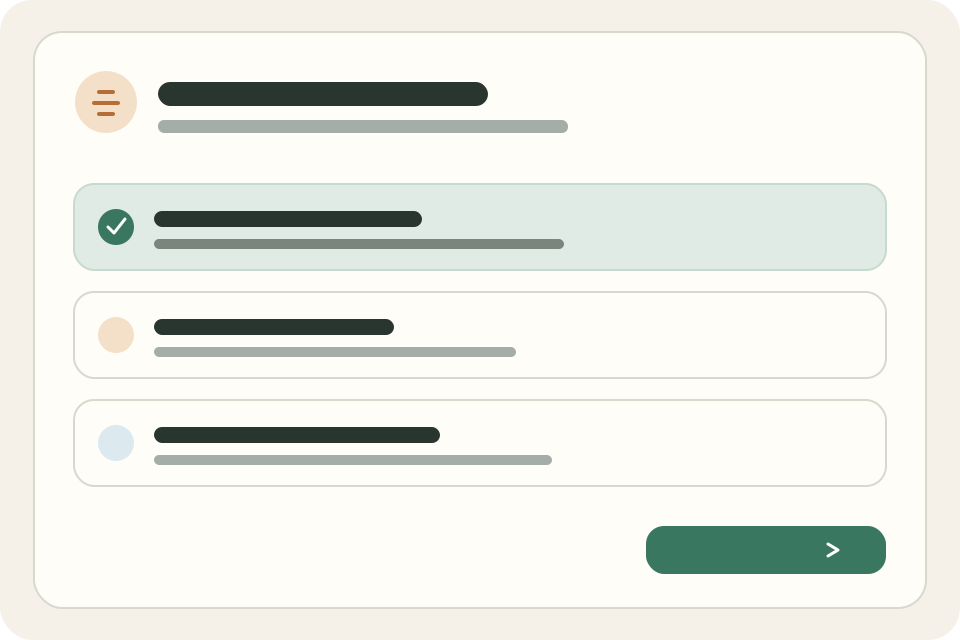
Explanations, original scenarios, choices, and role practice bring methods closer to real family conversations.
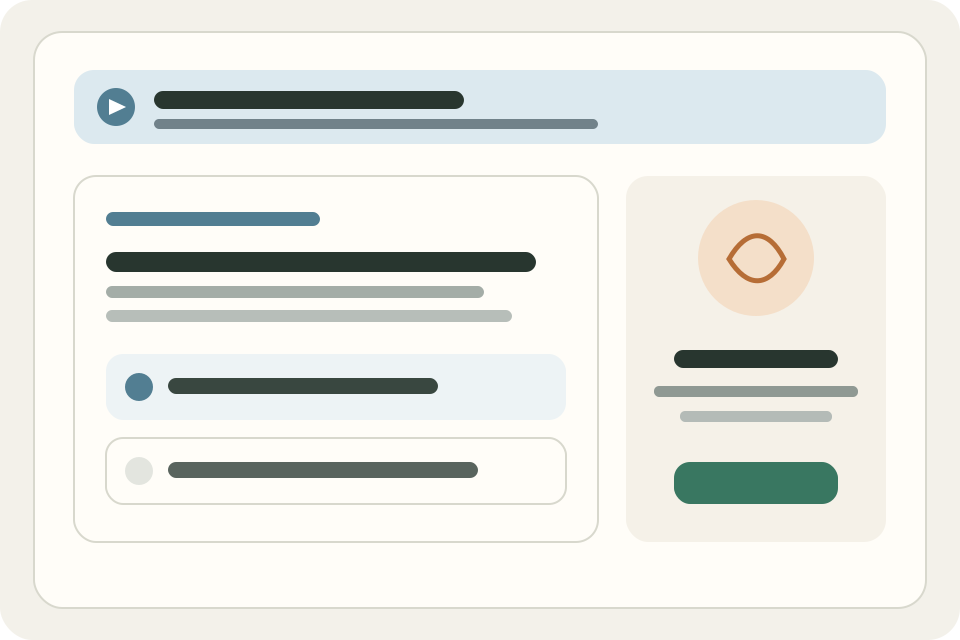
Every task states what to do today, suggested words, and what to avoid, reducing the gap between knowing and starting.
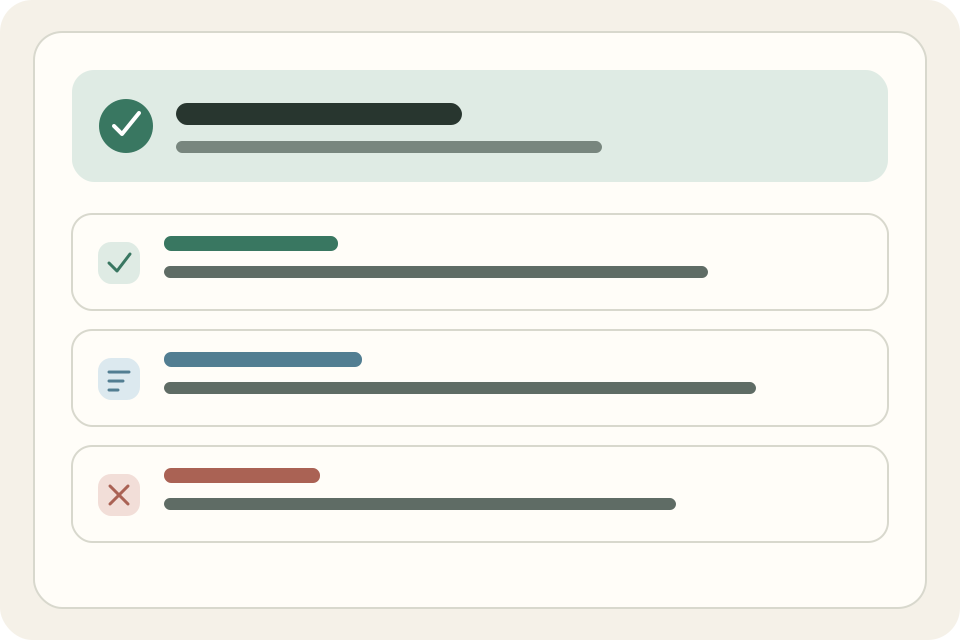
The current phase completes the guidance, course recommendation, and learning-practice loop. Growth planning and records will connect in later phases.
Begin with one concrete moment happening today, without completing a long assessment first.
See what to try now, what you might say, and which responses to avoid.
The agent recommends published platform content and explains why it matches the question.
Complete interactive lessons, save progress, and always see the next step.
Use one clear action or phrase in a real family moment.
Choose improved, no improvement yet, or not done and receive a brief response.
Courses and content
Each course starts with a clear learning goal, then goes through independent creation, interaction design, and package validation before entering a learning path.
Content is organized around situations parents can recognize, without requiring professional frameworks first.
Course structure, language, and cases are created independently with methods, conditions, and common pitfalls.
Lessons may combine case judgments, discussion, role practice, and practical family actions.
AI-assisted production cannot bypass outline confirmation, package validation, or classroom preview before publication.
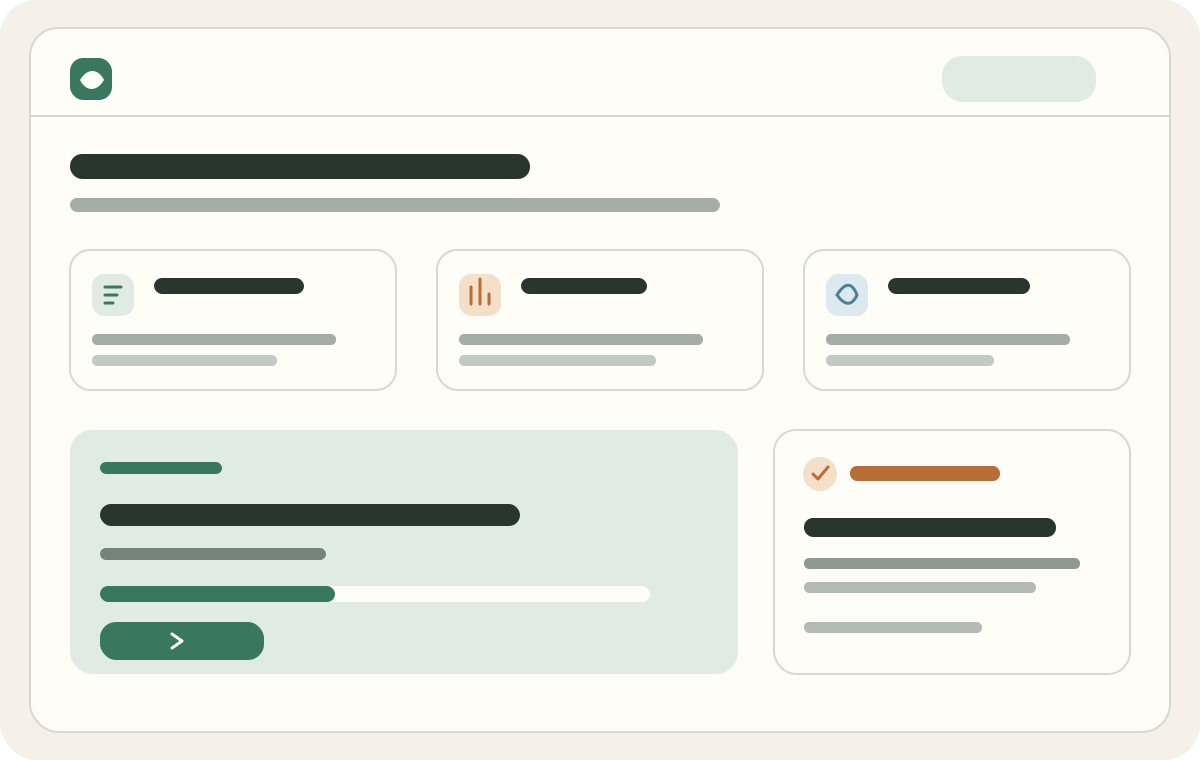
Paths are curated by people. Courses show goals, order, trial details, and progress. Feedback supports continued learning and product improvement; it does not rate a parent or child.
Select one or more situations that need attention now, then confirm your main learning direction after sign-in.
Course order is curated by the content team, not presented as mysterious algorithmic advice.
Bring learning down to an action or phrase you can try that day.
Choose one of three responses the next day, with no score, ranking, or long streak pressure.
The platform supports education and family practice. It is not medical diagnosis, psychotherapy, or an emergency service.
V1 asks only for one child label and age band, not a legal name, school, or exact birth date.
We do not collect child video or voiceprints, or identify and profile children through biometrics.
V1 has no question bank, ability score, level report, or radar chart.
Course, task, feedback, and progress access do not rely on hiding a client-side button.
Content is checked for facts, originality, age fit, professional boundaries, and safety.
For risk of harm, emergencies, or medical concerns, contact local emergency services or a qualified professional.
Basic information about learning, membership activation, and data boundaries.
No. V1 begins with the family concern you most want to address and does not provide assessments, scores, or radar charts.
Yes. Browse concern areas, course introductions, and trial information first. After signing in, you can take free or designated trial lessons and save basic progress.
Open the membership center to see available plans and purchase channels. When web checkout is enabled, monthly and annual memberships use Waffo's secure checkout and renew automatically until canceled. Existing membership access is shared across your devices when you use the same account.
No. Each member lesson has one task: what to do today, suggested words, and what to avoid. The next-day check-in is one of three choices.
No. Concern selection and feedback organize learning and follow-up actions; they do not rate a parent or child's ability, personality, or mental state.
V1 creates one child profile with only the label and age band needed for learning. It does not require a legal name, school, or exact birth date by default.
No. This is family education learning, not diagnosis or treatment. For risk of harm, an emergency, or a medical need, contact local emergency services or a qualified professional.
Tell Alex about one concrete situation and get a next step you can try today. Continue into the relevant course when you need systematic learning.